


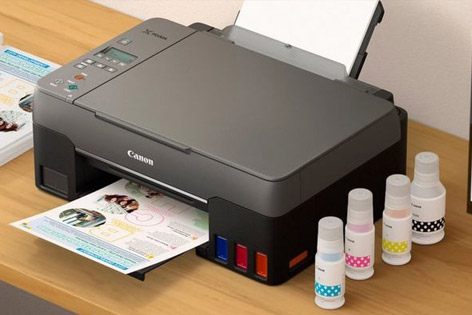
When you connect a Canon printer to your system for the first time, it is necessary to complete the installation process of the printer and its drivers.
do the By installing the Canon printer driver and software, you can fully use all the features of your printer and apply various settings. For this reason, in this article, we have explained to you step by step the different methods of installing Canon printers and its drivers. So if you want to learn how to install a Canon printer or update its driver, stay with us until the end of this article.
First of all, let’s clear up an ambiguity about the printer driver
Before starting the article, it is necessary to know that the recognition of the printer by the operating system and the installation of the printer driver are two different processes. Printer detection means that your operating system recognizes the printer as a new hardware device. This identification is usually done automatically after connecting the printer to the computer, and in Windows, a notification will be displayed to you after this identification.
After the printer is recognized by the operating system, the printer is connected to your operating system and you may even be able to print your files. But in this case, you cannot use the full potential of the printer and you cannot change the various settings of the printer. To use all printer features and access various settings, you need to install the printer driver. This driver is usually on a CD that comes with the printer, or you can download and install it from the printer manufacturer’s website.